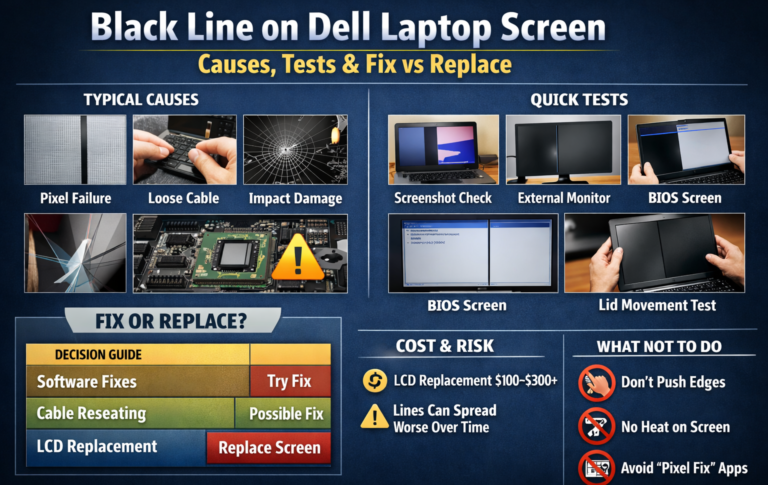
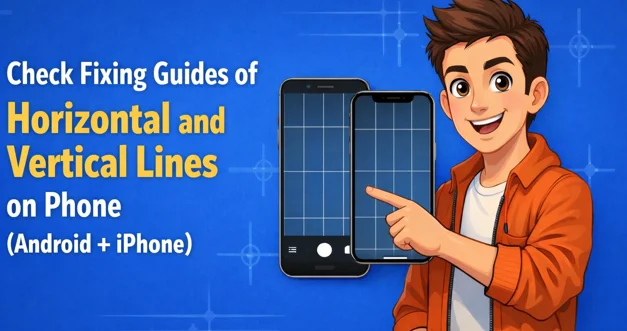
A common issue shows straight lines running side to side or from top to bottom. These lines on phone screen often appear in black or white, though other colors like green, pink, or yellow may also be visible. A fixed straight line usually signals physical damage. These issues can occur on both iPhone and Android devices.
A line on your phone screen can disrupt your experience. In some cases, the device looks fine, then suddenly shows a thin mark or dot that does not move. In such cases, the display may appear blurred or partially blank.
This guide explains why lines appear on your phone screen, what different colors mean, what they usually indicate, and how to fix them safely.
Lines on Phone Screen – What You Are Actually Seeing
Common Signs Users Notice First
Some devices show straight marks running side to side. Others show lines from top to bottom. These may appear as black, white, green, pink, or yellow.
- A line that stays fixed in one position usually signals physical trouble.
- A mark that fades, flickers, or moves may be linked to software or system behavior.
| Line Color | Android – Possible Cause | iPhone – Possible Cause |
| Black | Dead pixels, panel damage, or loose connections | Dead pixels, hardware failure |
| White | Software glitches (if flickering) or hardware faults | Software glitches (temporary) or hardware damage (persistent) |
| Green | OLED panel issues, graphics/driver errors, or connector problems | OLED panel or connector problems |
| Pink | Hardware panel issues, stuck pixels | Hardware issues, panel damage |
| Yellow | Hardware faults, display aging | Panel or connector damage |
| Flickering lines (any color) | Software conflict or system glitch | Software glitch (temporary) or failing display connectors (persistent) |
Why Marks Appear After Restart, Drop, or Update
Updates may clash with installed apps and trigger display errors even without visible damage.
A restart can reveal an issue that was already present.
A fall may shift internal parts.
What Causes Horizontal and Vertical Lines on a Phone Screen
Software-Related Causes and lines on phone screen (Android)
System files or apps may interfere with how the display refreshes. This explains many cases of horizontal lines on Android screens that vanish in Safe Mode.
Hardware-Related Causes
Persistent marks, including black horizontal or vertical lines, often point to panel damage or loose internal connections.
Higher Risk After Cracks or Water Exposure
- Cracks place uneven pressure on the display.
- Moisture can harm connectors.
- Both increase the chance that marks will spread over time.
Software or Hardware? A Simple Diagnostic Checklist
Screenshot Test for the lines on phone screen
Take a screenshot and open it on another device.
If the mark does not appear in the screenshot, the display panel itself is at fault.
Safe Mode Test (Android Only)
Safe Mode blocks third-party apps.
If the line disappears in Safe Mode, an app is likely causing the issue.
Clear Warning Signs: Marks visible during startup or before apps load usually indicate hardware trouble
How to Fix Horizontal Lines on Phone Screen Safely
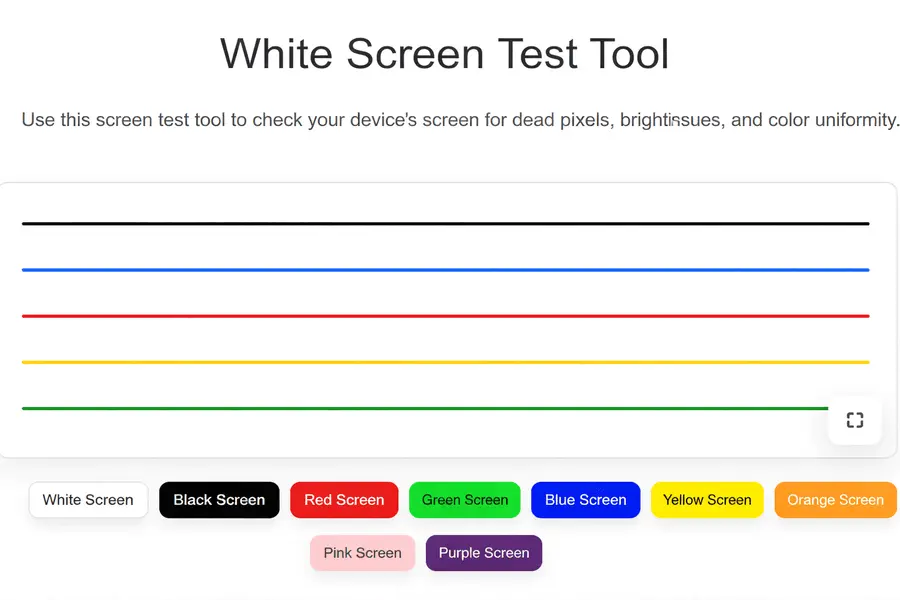
Safe Mode App Check (Android Only): If the issue disappears in Safe Mode, remove recent apps one at a time to find the culprit.
Factory Reset Limits: A reset may fix system-related issues, but will not repair physical faults. Always back up your data first.
How to Fix Vertical Lines on Phone Screen Safely

Like in horizontal line fixing:
- Restart and Refresh Your System
- Safe Mode App Check (Android Devices Only)
- You Can Reset Your Phone, but Always Back Up Your Data before resetting. And Physical Faults Will Remain the Same
When Lines on Phone Screen Cannot Be Fixed at Home
Display Panel Failure Signs
Thin, steady marks that never move often signal panel failure. These may grow over time.
Connector or Board Damage
Marks that change when the device is pressed usually involve internal connections. Do not press the screen forcefully, as this can worsen damage.
Safety During Continued Use
Short-term use is usually safe. Back up your data early to avoid loss.
Common Mistakes That Make Screen Lines Worse
- Trusting fast-fix apps: Apps cannot repair physical damage, even for green or pink marks.
- Pressing or heating the display: Pressure and heat can destroy the panel completely.
- Random part replacement: Replacing parts without testing wastes money and time.
Repair or Replace? Making the Right Call
When Repair Makes Sense
Newer devices with limited damage may justify repair.
When Replacement Fits Better
Older units with repeated drops or water damage often cost more to fix than to replace.
Factors That Affect the Decision
Age, past damage, and repair cost all matter.
How to Prevent a Line on the Phone Screen
Handling and Pressure Habits
Avoid tight pockets and excessive pressure on the display.
Charging and Software Care
Keep the device cool during charging and manage updates carefully.
iPhone Screen Problems and How to Handle Them
Lines, flickers, or streaks on an iPhone screen warn of possible issues. Some appear after app glitches or iOS updates and vanish with a restart. Others show permanent marks caused by hardware damage.
- The green line often indicates OLED panel or connector issues. Temporary ones may disappear after a restart; persistent lines need professional repair.
- A white line may appear randomly or after drops. Flickering or fading lines are usually software-related, while fixed white lines point to hardware faults.
- Flickering or moving lines often point to software conflicts. Restarting iphone can clear temporary glitches. Persistent flickering can indicate failing connectors or display panels.
- Vertical or horizontal streaks usually result from physical damage. Drops, water exposure, or internal shifts increase risk. Temporary streaks may vanish after a restart, but permanent streaks require professional repair.
Note: iPhones do not have a Safe Mode like Android devices. For software troubleshooting, use a restart, iOS update, or Recovery/DFU mode.
Detect Screen Issues on Android and iPhone with Screen Tools
You can check both Android and iPhone screens using screen-checking tools with different colors. These tools help identify dots, lines, and other screen issues. Examples include:
- Android: Display Tester, Dead Pixel Test apps
- iPhone: Apple Diagnostics, color test apps
Final Thought
Lines on a phone screen signal a problem you should not ignore. Some marks come from apps or system glitches and vanish after a restart. Others point to physical damage or failing connectors, which may grow over time.
You can try Safe Mode checks (Android) or system refreshes to rule out software faults. Persistent or fixed lines usually need professional repair or panel replacement. Back up your data early and handle the device gently to prevent new marks. Follow simple care habits and act quickly when a line appears to keep your screen reliable.