
Fake Broken Screen Effect: Full-Screen Cracked Screen Image
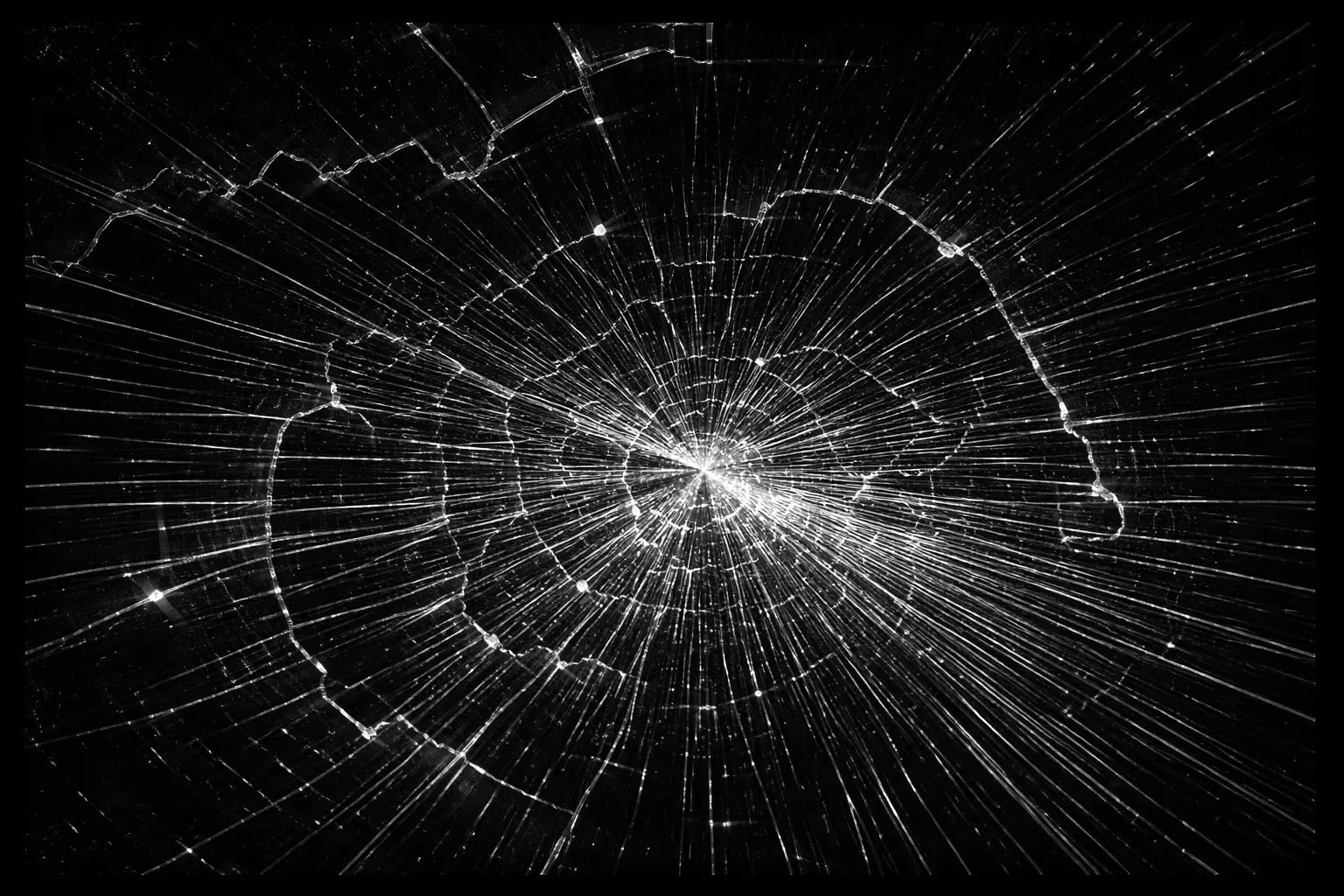
People search for a fake broken screen when they want to prank safely, test reactions, or create realistic cracked-screen visuals without damaging a real device. Most confusion comes from using static wallpapers, unsafe downloads, or prank tools that trap users in full screen with no clear exit. This page explains exactly what a fake broken screen tool is, how to use it safely, when it makes sense, and how to avoid common mistakes.
What Is the Fake Broken Screen Effect?
The fake broken screen effect shows a realistic cracked-glass image across your whole display. It is only a picture: nothing is installed, no settings are changed and your device is not affected in any way. Press Esc (desktop), tap the image again or use your browser’s back gesture (mobile) and the screen returns to normal immediately.
You can also download the image and use it in a video edit, presentation or mockup.
How to Use It
- Click the image above to open it in full-screen mode.
- Rotate your phone or resize the window if you want the cracks to fill the screen differently.
- To exit, press Esc on a computer, or tap the image or use the back gesture on a phone.
- Click Download Image to save the image for offline use.
It works in modern browsers on Android phones, iPhones, tablets, Windows and Mac laptops, and smart TVs that have a browser.
Common Uses
Videos and Social Media Content
Creators use a cracked-screen image in short videos, reaction clips and tutorials to show a “dropped phone” moment without damaging a real device or adding editing effects afterwards.
Presentations and Product Mockups
Designers and marketers use a broken screen image to illustrate screen protectors, phone cases, insurance or repair services.
Teaching and Repair Shop Demos
Teachers and repair technicians use the effect to explain what real screen damage looks like, how cracks spread and why a screen protector matters.
Light-Hearted Fun
Some people use it as a quick joke with friends. If you do, keep it short, reveal it straight away and only show it to people who will find it funny. Never use it to trick anyone into paying for a repair, sending money or giving away personal information.
Fake Crack Effect vs Real Screen Damage
A fake crack is perfectly sharp, stays the same when you scroll, and disappears when you exit full screen. Real damage behaves differently:
- Cracks can be felt with a fingernail and stay visible when the screen is off.
- Real damage often comes with lines on the screen, black patches, flickering or touch that stops responding.
- Pressure marks and bleeding ink usually spread over time.
If you suspect real damage, run a full-screen color test with our white screen tester and read our guide to common phone screen problems.
Using the Effect Responsibly
- Make sure you know how to exit full screen before you show it to someone.
- Do not use it on someone else’s device without their permission.
- Avoid using it with young children, older people who may be worried, or anyone who needs their device for work or emergencies.
- Keep jokes brief and harmless.
Frequently Asked Questions
Can the fake broken screen effect harm my device?
No. It is an image displayed in your browser. It does not change files, settings or hardware.
Does it work offline?
Yes, if you download the image first. You can then open it from your gallery or files and view it full screen.
Can I use the image in my YouTube or TikTok videos?
Yes, personal and creator use is allowed. See our License page for commercial use.