
Monitor Flickering? How to Find the Cause and Fix It
How to find out why your monitor or laptop screen is flickering and fix it, step by step.
Learn how to test your screen on different devices. Find tips and troubleshooting for TV screens, laptop, and mobile displays. Stay updated with expert guides and best practices.
How to find out why your monitor or laptop screen is flickering and fix it, step by step.
A 10-minute checklist for testing the screen on a second-hand Android phone or iPhone before you pay.
How to test an OLED phone, TV or monitor for burn-in, tell it apart from temporary image retention, and keep it from happening.
A simple, safe way to clean monitor, laptop, phone and TV screens, plus the household products that can damage screen coatings.
Find out whether the dot on your screen is a stuck or dead pixel, how to try fixing a stuck pixel safely, and what to do if it’s dead.
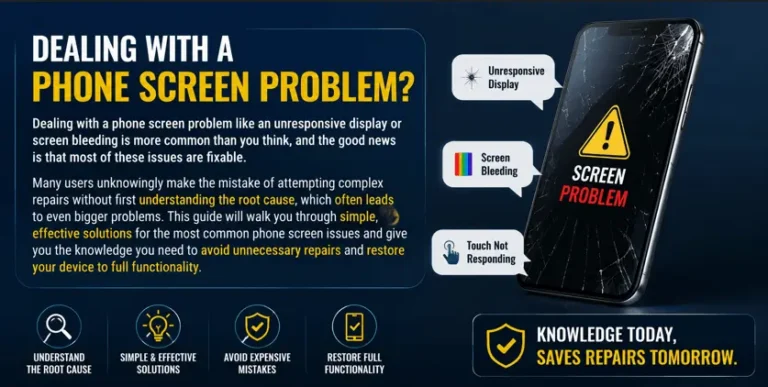
A phone screen that goes black, stops responding to touch or starts flickering does not always mean the screen is broken. Many of these problems are caused by software, settings or a screen protector, and can be fixed in a few minutes. This guide helps you work out whether your problem is software or hardware,…

A purple tint, purple lines or a screen that turns completely purple is usually caused by one of three things: a color setting, a bad video signal (cable, port or input), or a failing display panel. Most cases are settings or cable problems that you can fix in a few minutes. This guide shows how…
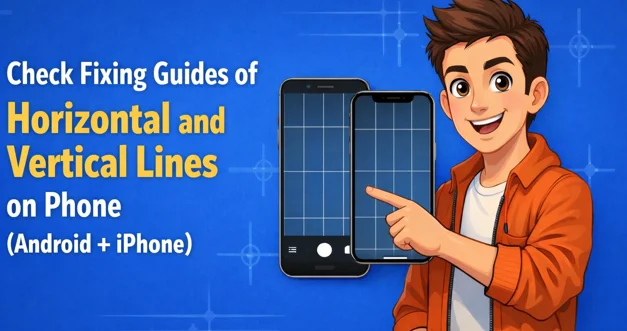
A common issue shows straight lines running side to side or from top to bottom. These lines on phone screen often appear in black or white, though other colors like green, pink, or yellow may also be visible. A fixed straight line usually signals physical damage. These issues can occur on both iPhone and Android…
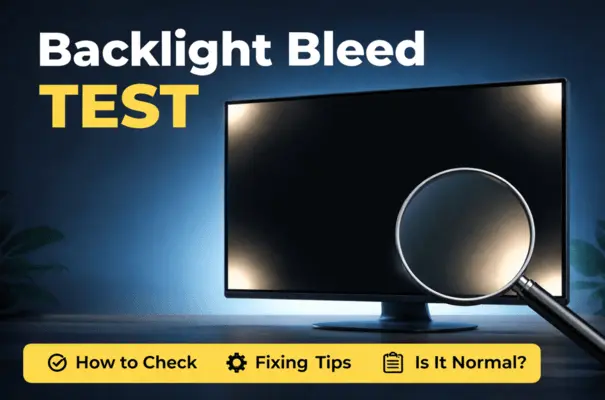
Screen bleed, or backlight bleeding, is a display panel issue. It occurs when light leaks from the edges or corners of your display. Run a screen bleed test to determine whether the uneven light on your display is normal or a defect that needs attention. A screen bleed test exaggerates conditions to make issues visible….
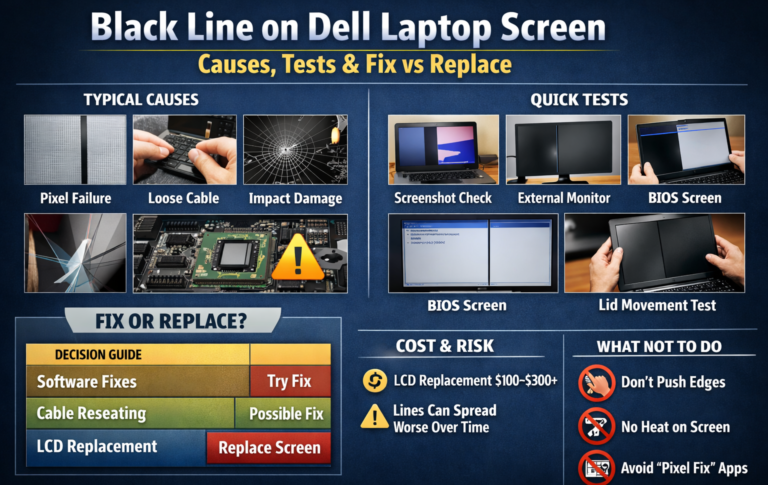
A horizontal black line on a Dell laptop screen can be caused by several issues. Pressure damage and ribbon cable problems are also common causes. Issues with the backlight layers can create this problem, so it must be handled carefully. The screen’s orientation can help identify the cause. Many Dell laptops include a built-in LCD…
End of content
End of content