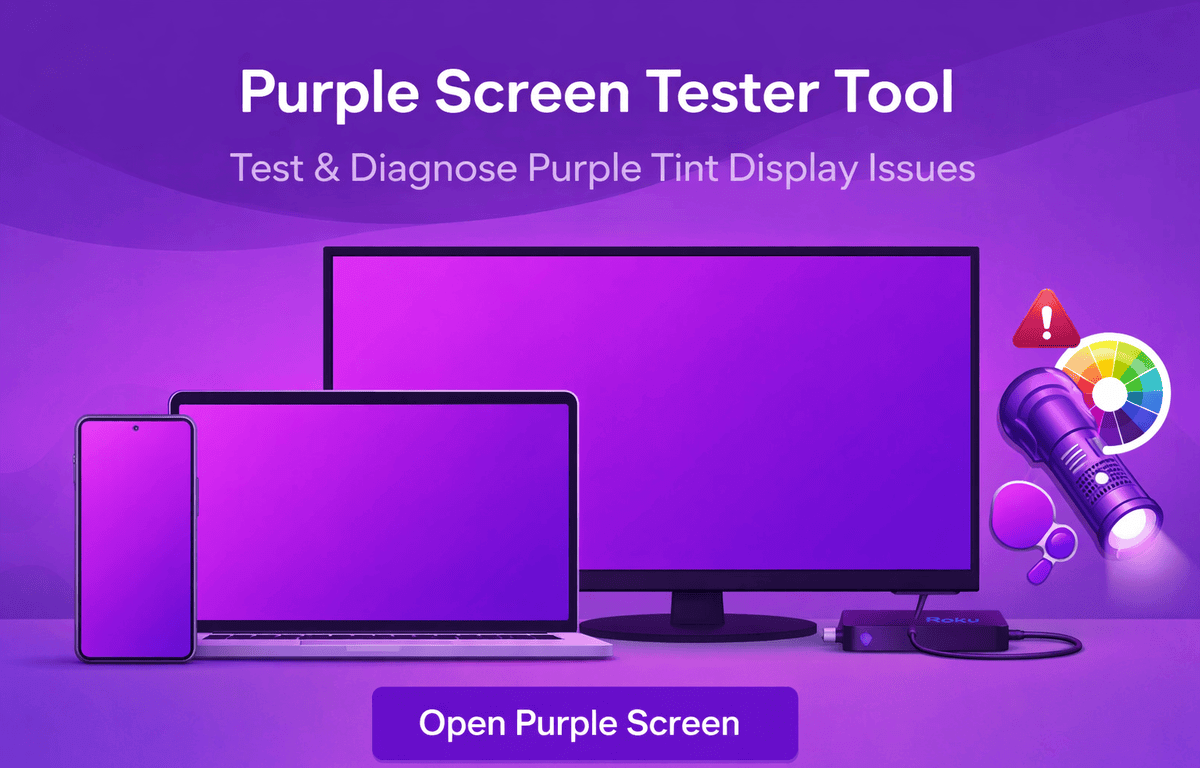
A screen showing purple colors is called a purple screen. It can appear for different reasons. In some cases, users intentionally open a solid purple display to test colors, inspect pixels, or create a visual background. In other situations, a sudden purple tint, glow, or line appears unexpectedly, leading users to search for issues like why the display looks purple or why the TV colors seem distorted.
This Purple Screen Tester Tool allows you to open a full purple background instantly online, helping you determine whether the color shift is intentional, a settings issue, or a real hardware or software problem, without installing any app.
What Causes a Purple Screen on Devices
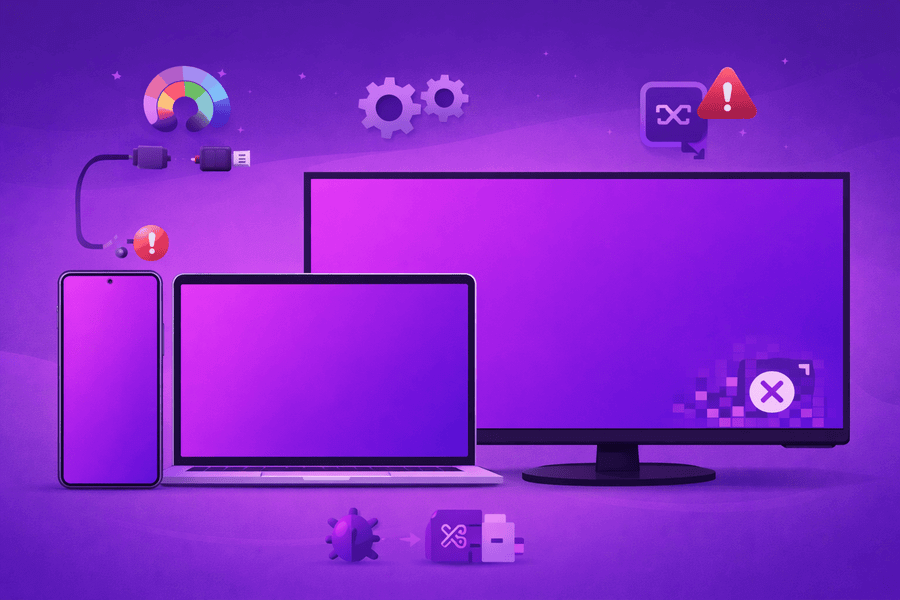
Purple color dominance usually occurs when red and blue channels overpower the display. This may be intentional during color testing or when using a purple-themed wallpaper or lock screen. It can also result from software bugs, incorrect color calibration, outdated graphics drivers, HDMI signal problems, or internal display damage.
Some users describe a frozen purple display as a purple screen of death, especially when the device becomes unresponsive. Viewing a consistent, solid-color background helps confirm whether the color shift is uniform or patchy, which is key for diagnosis.
When a Purple Display Is Used Intentionally
Screen Testing and Color Accuracy
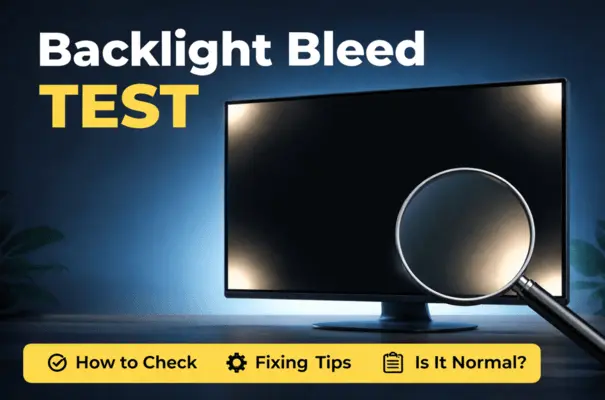
A full-screen purple background is useful for checking color balance, spotting dead pixels, and identifying uneven brightness that normal content may hide. Click here to learn how to check screen bleed test guides.
Creative Backgrounds and Visual Design
Designers often use purple-themed screens, wallpapers, or home layouts for a bold and modern aesthetic. These backgrounds are common in presentations, videos, and creative projects.
Screen Cleaning and Maintenance
Solid color backgrounds make dust, fingerprints, and smudges more visible, making screen cleaning easier and more effective.
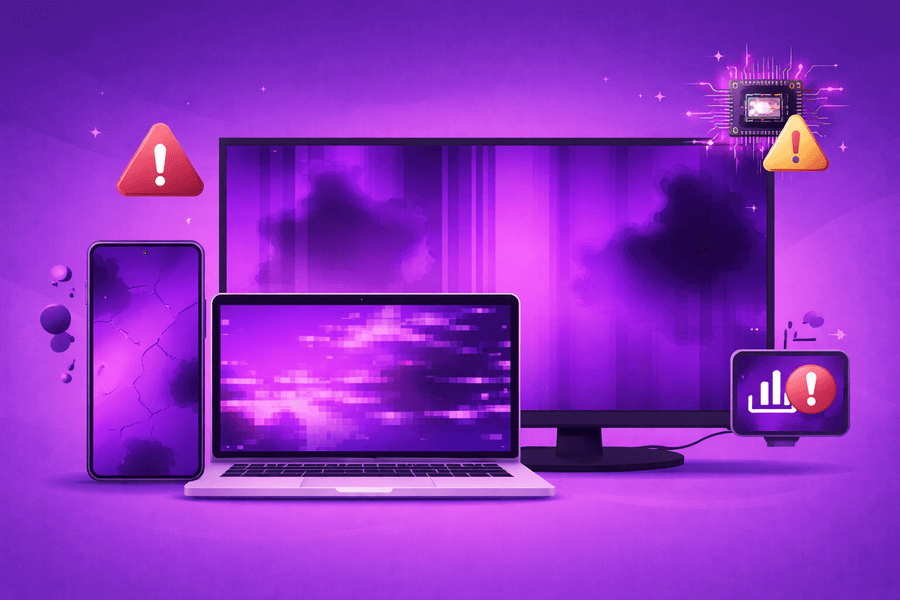
When Purple Screen Tint Signals a Display Problem
TVs and Streaming Devices
Users may encounter color distortion on televisions or streaming devices, often searching for issues like Roku purple screen or purple-tinted TV output. These problems are commonly related to HDMI cables, display settings, or signal compatibility.
Smartphones and Tablets
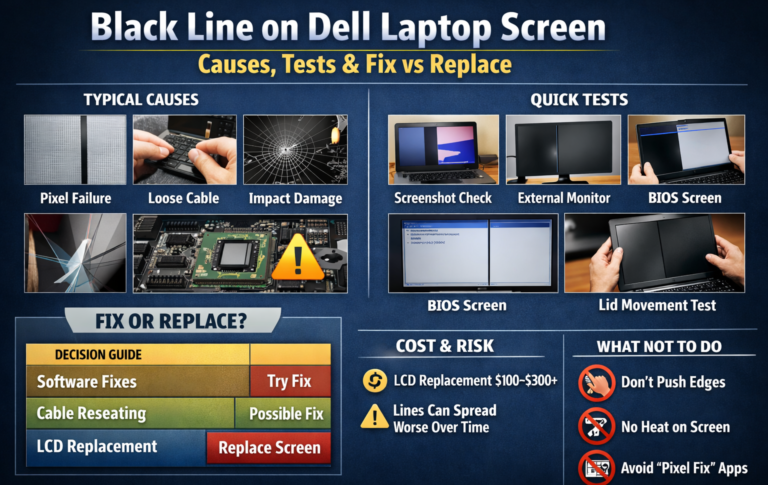
On mobile devices, issues such as a purple line on the screen can indicate panel damage, connector issues, or software-related color distortion.
Persistent Display Failure
If the device remains stuck on a purple-colored display and does not respond, it may indicate a serious software crash or hardware failure requiring professional repair.
Special Uses: Light Purple and UV Color Screens
Some users intentionally open light purple or UV-style purple backgrounds for visual testing, design work, or to observe how displays handle extreme color tones. These cases are normal when used deliberately. Watch this video to learn about the purple screen issue.
How to Fix Purple Screen Display Issues
• Phones: Turn off color filters, restart the device, and update the operating system
• Computers & TVs: Recheck display calibration, HDMI connections, and graphics drivers
• Streaming Devices: Restart the device and reset video output settings
Why Use This Purple Screen Tester Tool
• Instantly opens a full purple display
• Works on phones, laptops, monitors, and TVs
• No downloads or software required
• Helps distinguish between visual styling and real display faults
Final Takeaway
A purple screen does not always indicate a defect. It can be a useful testing background, a creative design choice, or a warning sign depending on how and when it appears. Using a reliable Purple Screen Tester Tool allows you to identify the cause accurately and decide whether adjustment or repair is needed.