
Purple Screen Test Tool
Use this purple screen as a neon-style light or background, or to find stuck green subpixels and check color uniformity.
White Screen
Why use a White Screen?
This purple screen fills your display with rich purple (#800080) on any phone, laptop, monitor or TV. Purple mixes red and blue at half strength with green switched off, so it is useful for spotting stuck green subpixels. It also makes a moody light for photos, gaming setups and streams, and a stylish background you can download in HD or 4K.
How to Use the Purple Screen
- Select Purple in the tool and click the full-screen button, or tap the preview on a phone.
- For lighting, place the display behind or beside you and set brightness to taste.
- For testing, raise the brightness and look across the display slowly.
- Press Esc, or tap again, to exit. Choose a size and click Download to save the image.
Purple Light for Gaming, Streams and Photos
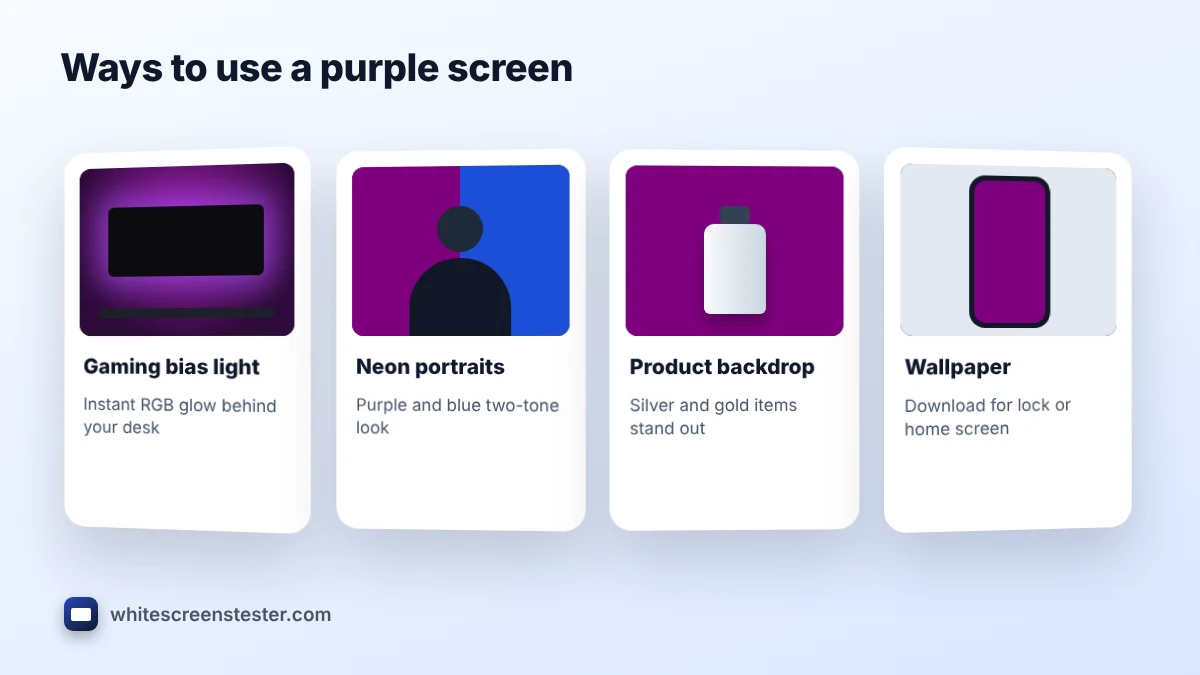
- Gaming and streaming setups: a purple glow behind your desk is a classic RGB look. A second monitor or tablet makes an instant bias light.
- Moody portraits: purple on one side and blue or pink on the other gives a dreamy, neon effect.
- Music and party scenes: a full purple display adds atmosphere to short videos and live sessions.
- Product shots: silver, white and gold items stand out against a deep purple backdrop.
For a neutral light on video calls, the video call light is a better choice, because purple changes skin tones.
Testing Your Display With Purple
Because purple turns off the green subpixel and runs red and blue at half level, it shows:
- Stuck green subpixels: a bright green or white dot stands out clearly.
- Red and blue balance: purple should look even. A shift toward pink or blue suggests a color temperature or panel tint issue.
- Mid-level uniformity and banding: blotches are easier to see on a medium color than on white.
Run the dead pixel test for a full check, and the stuck pixel fixer if you find a lit dot.
Choosing a Shade of Purple
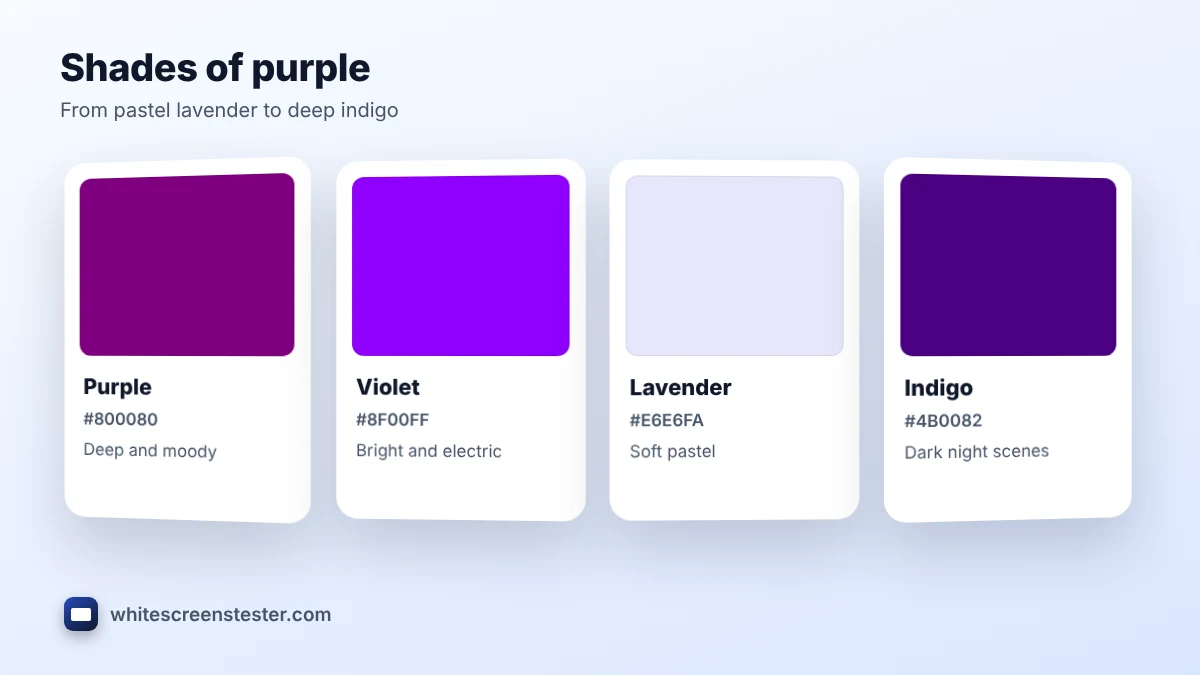
| Shade | HEX | Good for |
|---|---|---|
| Purple | #800080 | Deep, moody light and backgrounds |
| Violet | #8F00FF | Bright, electric look |
| Lavender | #E6E6FA | Soft, pastel wallpapers |
| Indigo | #4B0082 | Dark, night-time scenes |
| Magenta | #FF00FF | Magenta page |
Purple Wallpapers and Backgrounds
Download a plain purple image for your lock screen, home screen, desktop or slides. Choose Fit Screen to match your device exactly. Light purple and lavender suit calm, minimal setups, while deep purple looks great behind white or gold text.
Did Your Display Turn Purple by Itself?
A purple tint or full purple picture you did not choose is a fault, not a color setting. Common causes include a loose HDMI cable, a color format mismatch, a failing panel, or, on phones, display damage after a drop. TVs and streaming sticks such as Roku can also show a purple picture when the signal is lost or the HDMI handshake fails. Our guide to purple tint on a monitor, TV or phone explains each fix step by step.
The VMware “purple screen of death” is something else again: a crash screen on servers that run VMware ESXi. It needs the host logs, not a color fix.
Frequently Asked Questions
What HEX code does this page use?
It uses #800080, the standard web color named Purple.
What is the difference between purple and violet?
On screens, purple is a mix of red and blue. Violet sits closer to blue on the spectrum and looks brighter and cooler.
Why does purple look blue on my monitor?
A cool color temperature or weak red channel shifts purple toward blue. Try a 6500K or sRGB mode.
Can I use purple for a gaming room light?
Yes. Open it in full screen on a spare monitor or tablet behind your setup and lower the brightness for a soft glow.
Is a full purple display safe for OLED?
Short sessions are fine. Avoid leaving any static color at full brightness for hours on an OLED.