
Orange Screen Test Tool
Use this orange screen as a warm, soft light for evenings, photos and video, or to check warm color uniformity.
White Screen
Why use a White Screen?
This orange screen fills your display with bright orange (#FFA500) on any phone, laptop, monitor or TV. Use it as a warm light for photos and videos, a cozy low-blue glow in the evening, a bold background you can download in HD or 4K, or a quick check of how your display mixes red and green.
How to Use This Warm Color Tool
- Select Orange in the tool and click the full-screen button, or tap the preview on a phone.
- For lighting, set brightness to taste and place the display beside your subject.
- For testing, raise the brightness and look across the whole display.
- Press Esc, or tap again, to exit. Choose a size and click Download to save the image.
Orange as Warm Light
Golden-hour look for photos and video
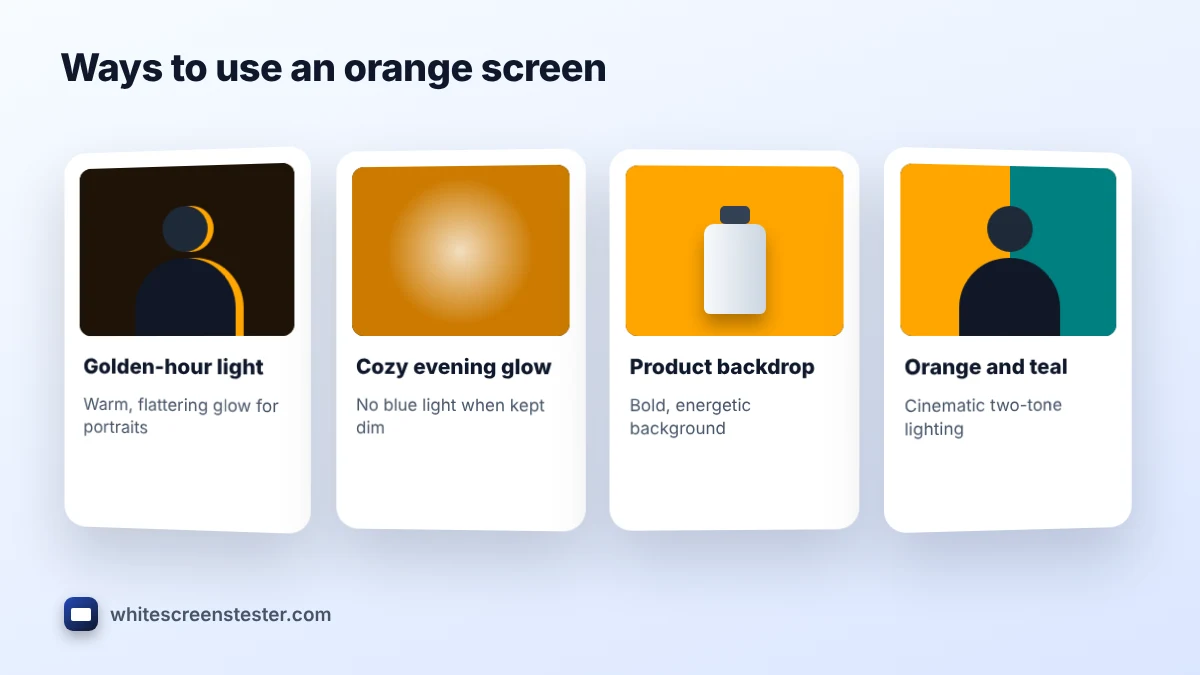
Orange light mimics sunset. A tablet or second monitor beside your face or product adds a warm, flattering glow, and pairing it with a teal or blue light on the other side gives the popular cinematic orange-and-teal look.
A cozy glow in the evening
Orange contains no blue light. At low brightness it gives a relaxing, candle-like light for reading, winding down or keeping a room softly lit. Darker amber and brown tones are gentler still before sleep.
Events and seasonal themes
Use it for autumn displays, Halloween parties, sports team colors or a bright, energetic backdrop behind a presenter.
Testing Your Display With Orange
Orange uses full red, about two-thirds green and no blue. That makes it useful for checking:
- Red and green balance: orange should look like a ripe orange, not red or yellow. A shift points to a color temperature or saturation setting.
- Stuck blue subpixels: a white or pinkish dot stands out because blue is switched off.
- Uniformity on a warm color: darker or yellowish patches show uneven backlight.
For a complete subpixel check, cycle through colors with the dead pixel test.
Choosing a Shade of Orange
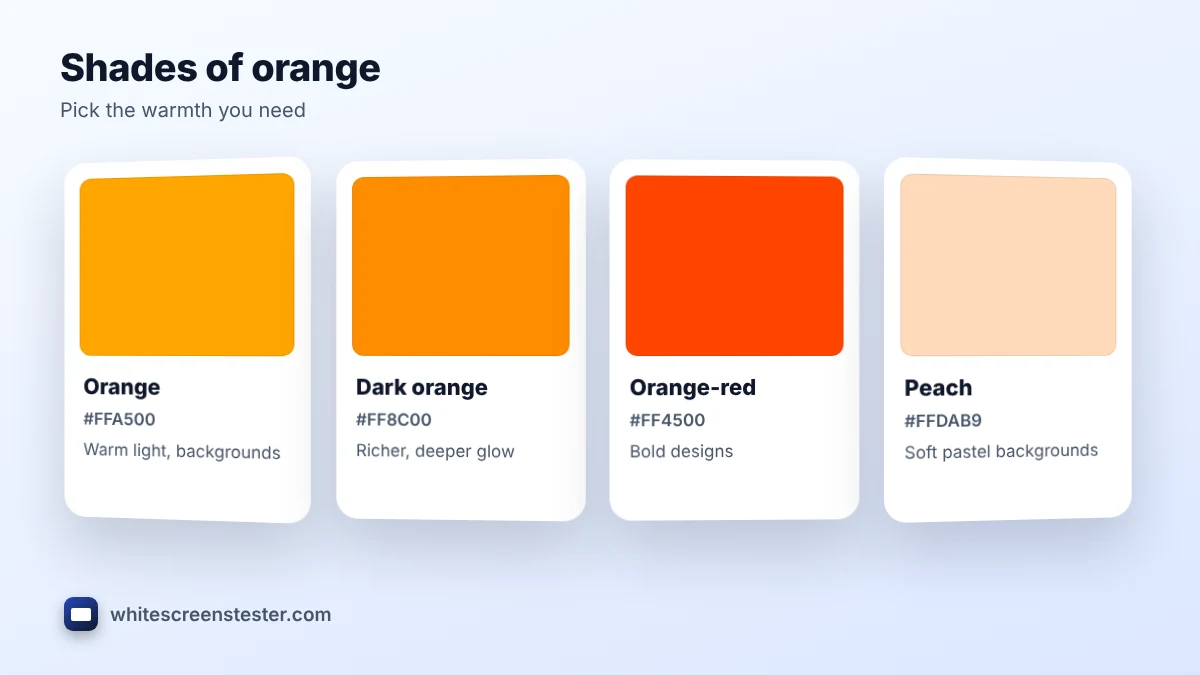
| Shade | HEX | Good for |
|---|---|---|
| Orange | #FFA500 | General warm light and backgrounds |
| Dark orange | #FF8C00 | Richer, deeper glow |
| Orange-red | #FF4500 | Bold, high-energy designs |
| Amber | #FFBF00 | Soft evening light |
| Peach | #FFDAB9 | Gentle, pastel backgrounds |
Is Your Display Turning Orange by Itself?
If every page looks orange, a night light, Night Shift or Eye Comfort schedule is the most common cause. Turn it off or check its schedule, then reset the picture mode. The same steps fix a yellow cast, which we explain in detail in why is my screen yellow.
Nintendo Switch Showing an Orange Screen?
A solid orange display on a Nintendo Switch usually appears after the console crashes, and it is often called the orange screen of death. It is a different problem from the color tool on this page. These steps fix it in most cases:
- Hold the power button for at least 12 seconds until the console turns off completely.
- Wait a few seconds, then press the power button again to start it.
- If it boots, go to System Settings, System, System Update to install the latest firmware.
- If the orange display keeps returning, it can point to a hardware fault. Contact Nintendo support for a repair.
Frequently Asked Questions
What HEX code does this page use?
It uses #FFA500, the standard web color named Orange.
Is orange light good before sleep?
It has no blue light, so it disturbs sleep less than white or blue. Keep it dim, and switch it off when you go to bed.
Why does orange look red on my monitor?
High saturation or a vivid picture mode can push orange toward red. Try the Standard or sRGB mode.
Can I download an orange background?
Yes. Choose 720p, 1080p, 4K or Fit Screen under the tool and click Download.
Is it safe to leave on an OLED screen?
Short sessions are fine. Avoid leaving any static image at full brightness for hours on an OLED.