
Light Blue Screen Test Tool
Use this light blue screen as a calm background or soft light, or to check how evenly your display shows pale colors.
White Screen
Why use a White Screen?
This light blue screen fills your display with a soft sky blue (#ADD8E6). Click the full-screen button to cover the whole monitor, laptop, TV or phone. It is gentle on the eyes, makes a calm background for video and photos, and gives a quick check of how evenly your screen shows pale colors.
How to Use the Light Blue Screen
- Choose Light Blue in the tool above.
- Click or tap the full-screen button. Press Esc on a computer, or tap the button again on a phone, to exit.
- Set brightness to suit the room. Pale colors look washed out at maximum brightness in a dark room.
- Use the download buttons for a light blue image in 720p, 1080p or 4K.
Popular Uses for a Light Blue Screen
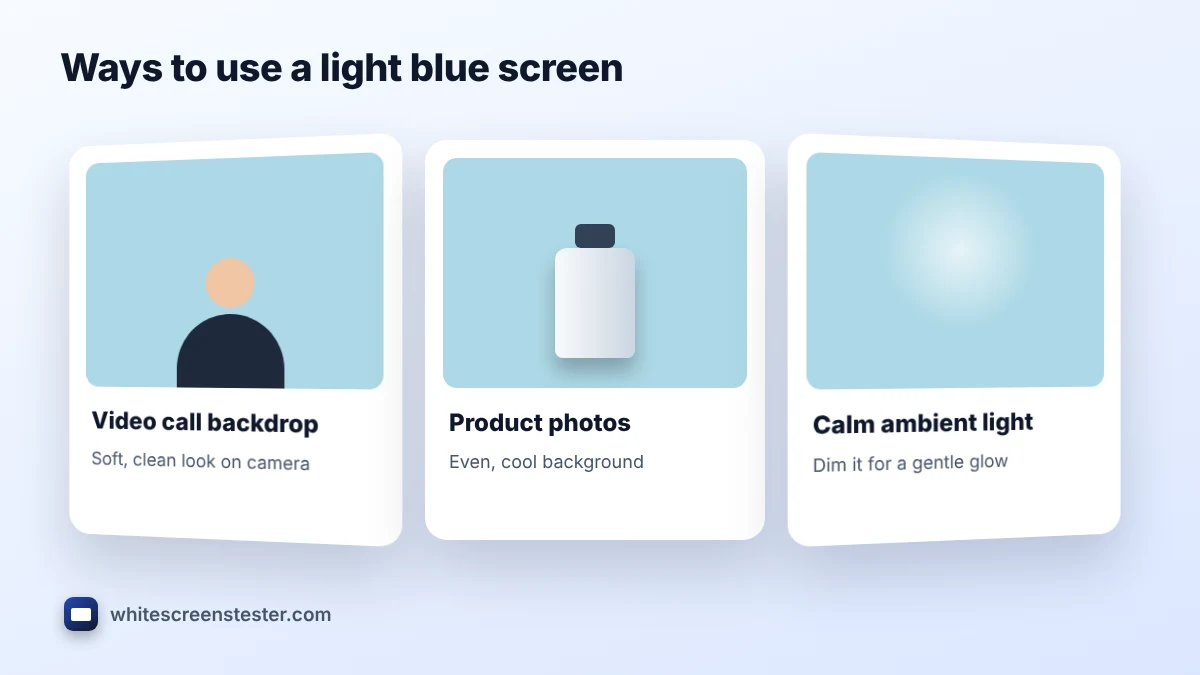
Calm background for calls and streams
A pale blue backdrop behind you looks clean and modern on camera without the harsh glare of pure white. Many people use this soft color on a second monitor as a soft fill light for video calls. For brighter, adjustable lighting, try our video call light.
Product and craft photos
Placing small objects in front of a tablet showing light blue gives an even, cool background that suits jewelry, cosmetics and white products.
Relaxing ambient light
Dimmed down, it gives a quiet glow for reading at night, meditation or a children’s room. Lower the brightness and avoid using it right before sleep if blue light keeps you awake.
What a Light Blue Screen Shows About Your Display
Light blue mixes all three subpixels: red and green at high levels and blue at full level. That makes it useful for spotting:
- Uneven tint: patches that look greener, grayer or more purple than the rest of the screen.
- Backlight clouding: brighter or darker areas that are easy to miss on saturated colors.
- Dirty screen effect: faint blotches that appear when you scroll across a pale background.
For a dedicated check, run our screen uniformity test.
Tips for the Best Result
- Turn off night light or blue light filters first, or the color will look gray-green.
- Clean the glass so smudges do not show as dull spots on the pale background.
Light Blue vs Blue vs Cyan
| Screen | HEX | Best for |
|---|---|---|
| Light blue | #ADD8E6 | Soft backgrounds, calm lighting, pale-tint checks |
| Blue | #0000FF | Finding stuck red or green subpixels |
| Cyan | #00FFFF | Finding stuck red subpixels, bright accents |
Try the full blue screen or the cyan screen for subpixel checks.
Frequently Asked Questions
What HEX code does this light blue screen use?
It uses #ADD8E6, the standard web color called LightBlue. For a different shade, enter your own HEX code in the custom color box, such as #BFE3FF.
Is light blue easier on the eyes than white?
Many people find a pale color less glaring than pure white, especially in dim rooms. Lowering screen brightness has the biggest effect on comfort.
Can I use it as my wallpaper?
Yes. Download the image in the resolution you need and set it as your desktop or phone wallpaper.